
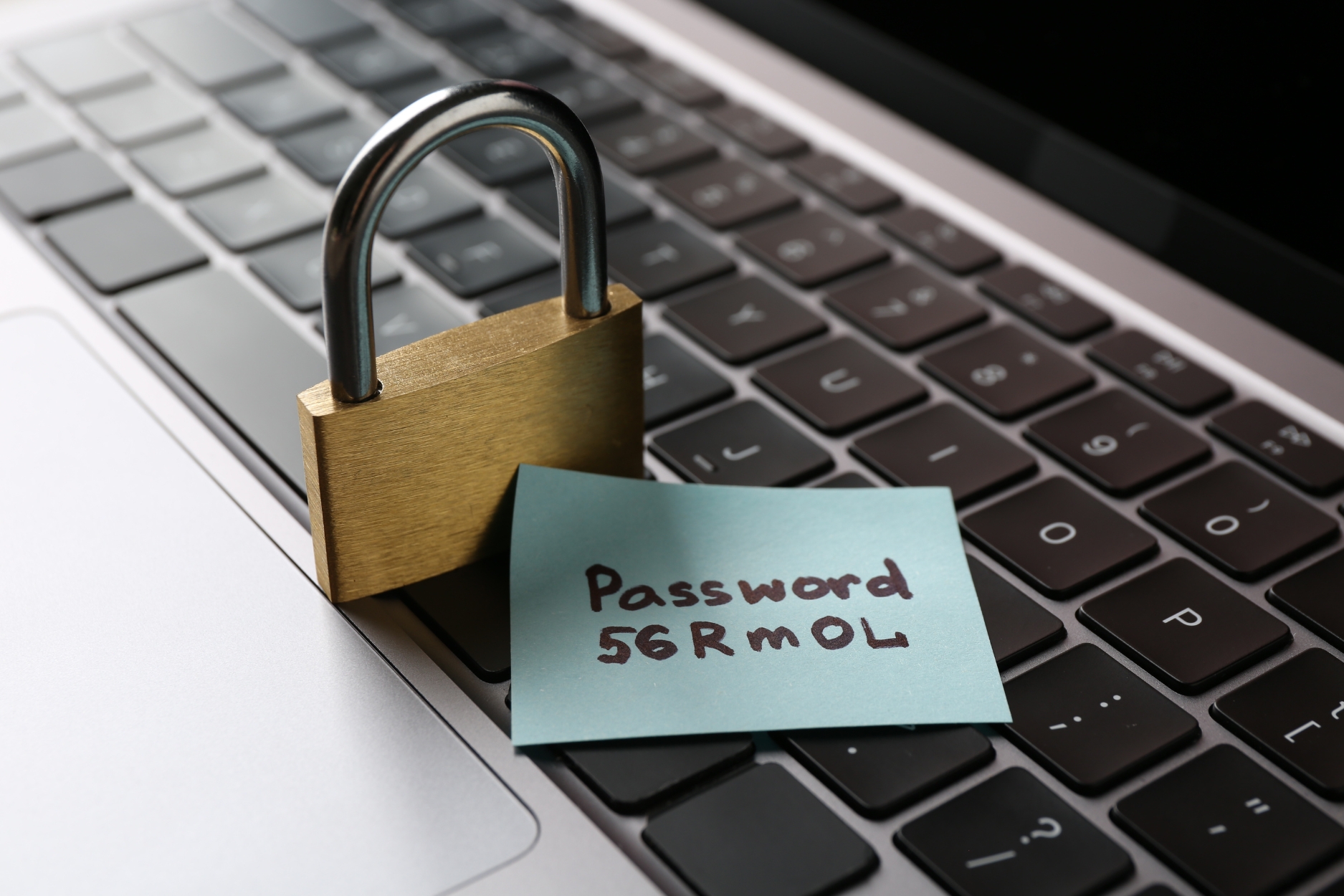
Password Policies That Actually Improve Security (Without Slowing People Down)
Password Policies That Actually Improve Security (Without Slowing People Down)
For years, password security has been treated as a necessary evil. Employees are told to create complex passwords, change them frequently, and never reuse them - all while juggling dozens of systems every day. The result? Frustration, shortcuts, and weaker security.
The truth is, bad password policies don’t fail because employees don’t care. They fail because they’re unrealistic. When security policies ignore how people actually work, users adapt in ways that create risk.
Modern password security isn’t about making passwords harder - it’s about making them smarter.
Why Traditional Password Rules Fall Short
Many organizations still rely on outdated password rules that were designed decades ago. These typically include:
Frequent mandatory password changes
Short but complex passwords (symbols, numbers, uppercase, lowercase)
Shared or generic accounts for “convenience”
No multi-factor authentication
While well-intentioned, these rules often backfire.
When employees are forced to change passwords every 60 or 90 days, they tend to:
Reuse old passwords with small variations
Write passwords down
Store credentials in insecure notes or browsers
Share logins to avoid lockouts
From a security standpoint, this behavior is far riskier than a stable, well-protected credential.
What Actually Improves Password Security
Modern security best practices focus less on memorization and more on resilience. The goal is to reduce the impact of compromised credentials rather than pretending passwords will never be exposed.
Here’s what actually works:
1. Longer Passphrases Instead of Complex Passwords
A long passphrase made of multiple words is far harder to crack than a short, complex password - and much easier for users to remember.
For example:
CorrectHorseBatteryStaple
SunsetCoffeeLaptopRiver
Length matters more than complexity, and passphrases dramatically reduce unsafe coping behaviors.
2. Multi-Factor Authentication (MFA) Everywhere Possible
Passwords alone are no longer enough. MFA adds a second verification step, such as:
A mobile app prompt
A hardware token
A one-time code
Even if a password is stolen through phishing or a data breach, MFA prevents attackers from accessing the account. In fact, MFA can stop the majority of credential-based attacks outright.
This is one of the highest-impact security improvements an organization can make - with minimal disruption when implemented correctly.
3. Eliminate Shared Accounts
Shared logins create massive blind spots. When multiple people use the same credentials:
There’s no accountability
Activity can’t be traced to an individual
Offboarding becomes dangerous
Breach investigations become nearly impossible
Individual user accounts ensure visibility, control, and safer access management — without slowing work when properly configured.
4. Use Password Managers to Reduce Risk and Friction
Password managers allow users to:
Generate strong, unique passwords
Store credentials securely
Avoid reusing passwords across systems
When password managers are adopted organization-wide, employees no longer need to memorize dozens of credentials — and security improves significantly.
Why Password Security Is a Business Issue
Weak password practices don’t just create IT problems - they create business risk.
Credential-based breaches can lead to:
Email compromise and fraudulent payments
Data exposure
Ransomware deployment
Loss of customer trust
And because passwords are tied to identity, one compromised account can impact multiple systems.
Strong password policies protect revenue, operations, and reputation - not just servers.
Balancing Security and Productivity
The best security policies are the ones people actually follow.
When password strategies are designed with real workflows in mind, employees spend less time locked out of systems, less time asking for resets, and less time finding workarounds. IT teams spend less time firefighting and more time improving systems.
Security doesn’t have to slow business down - but outdated approaches often do.
How Info Advantage Helps
At Info Advantage, we help businesses modernize password and identity security without adding unnecessary friction. That includes implementing MFA, eliminating shared accounts, improving access controls, and supporting secure password management across your environment.
Our goal isn’t to make security harder - it’s to make it effective, usable, and aligned with how your business actually operates.
Because strong security should support productivity - not fight against it.